The Product Manager's Guide to AI: From Chaos to PRD
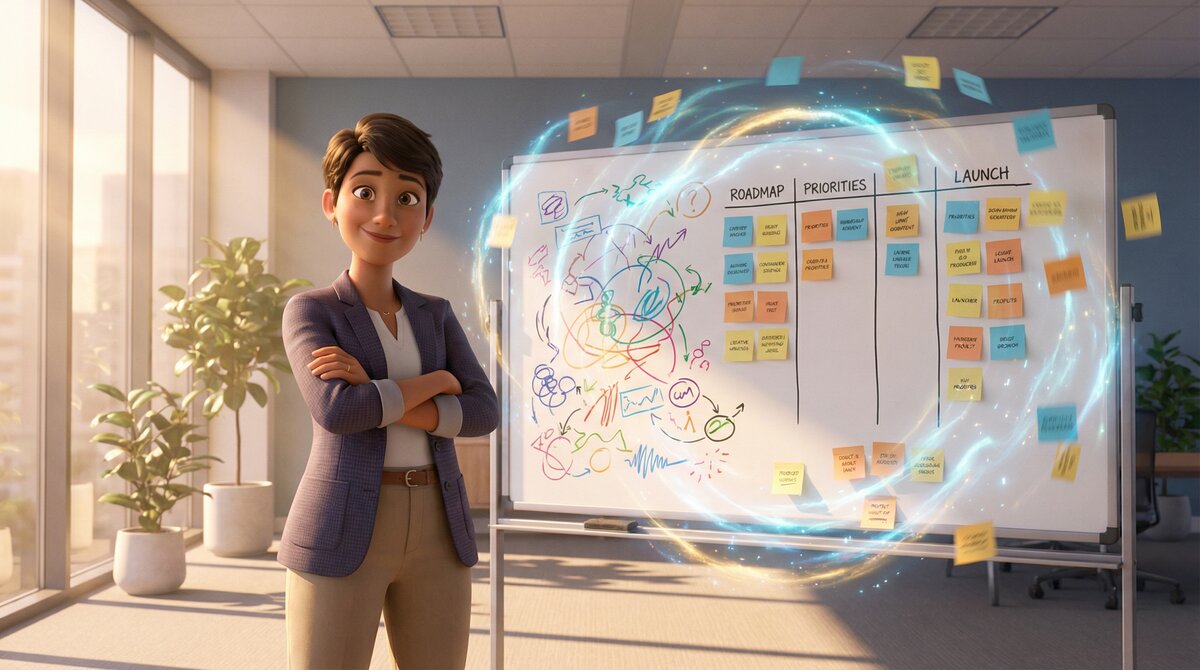
Product Management is essentially the art of herding cats. You have stakeholder requests, engineering constraints, design feedback, and user data—all swirling in a chaotic vortex.
Using AI to synthesize this is a no-brainer. But often, the AI just adds to the noise. You dump in meeting notes, and it spits out a generic summary. You ask for a roadmap, and it gives you a list of buzzwords.
The "Sticky Note" Problem
Brainstorming with AI feels like throwing sticky notes at a wall. Some stick, some fall off, and none of them are in order.

The Structured PRD Workflow
Chat Navigator forces structure onto this chaos.
- The Brain Dump: Paste your raw meeting notes. Chat Navigator tags this as "Raw Input".
- The Synthesis: Ask the AI to extract key themes. Chat Navigator creates a "Themes" section.
- The Drill-Down: Pick one theme (e.g., "Mobile Onboarding") and ask for user stories. Chat Navigator creates a nested list.
By the end of the session, you don't have a chat log. You have a draft PRD.
- Section 1: Problem Statement
- Section 2: User Personas
- Section 3: Functional Requirements
- Section 4: Success Metrics
You can click through each section to verify the AI's logic, then export the whole thing to Notion or Jira. It's not just faster; it's better.
Ready to structure your workflow?
Join 40+ power users who have stopped scrolling and started navigating.
Install Chat Navigator Free